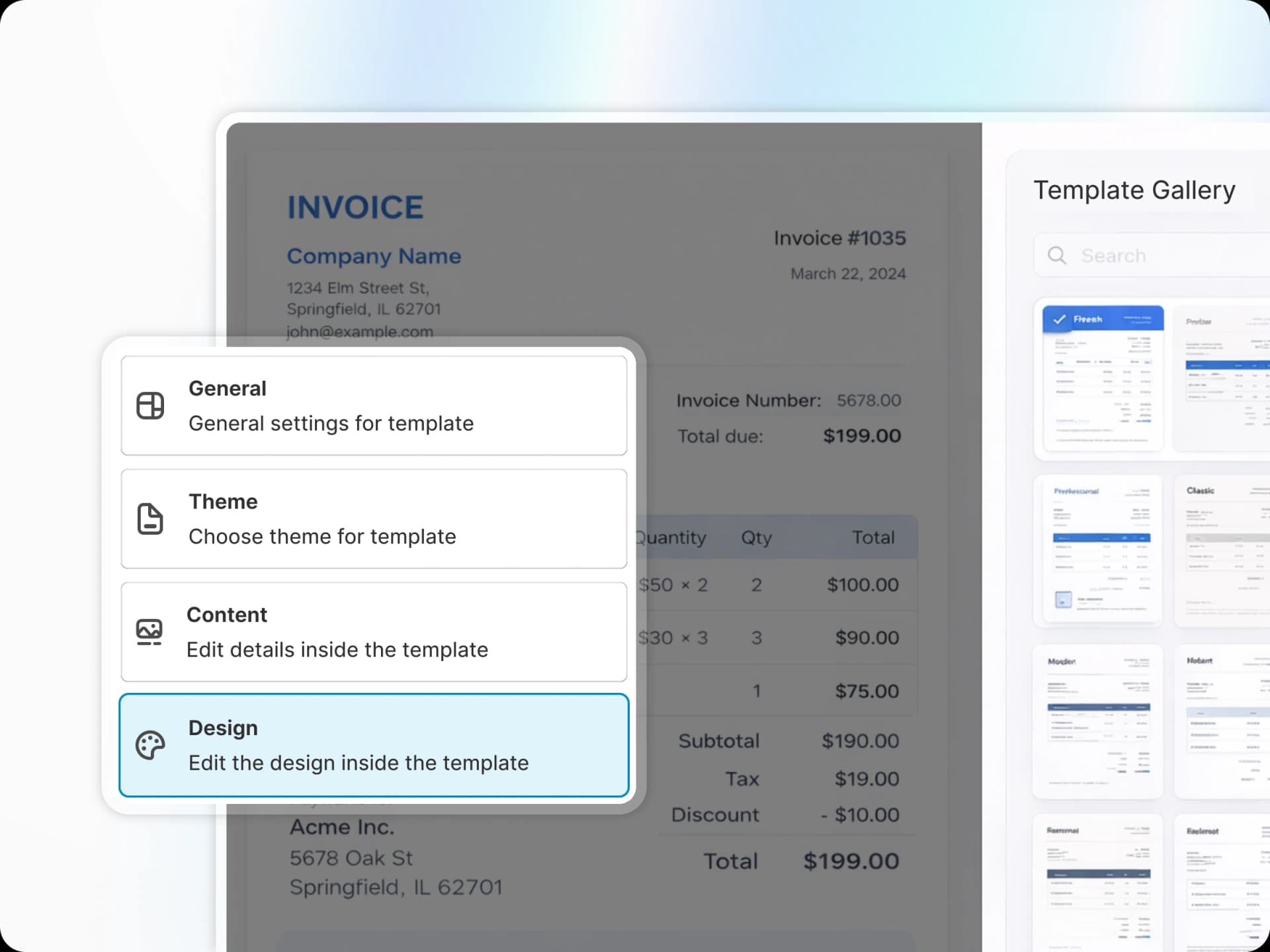
How to Customize Your Invoice Templates for Better Branding

Your invoice is more than just a receipt—it's a touchpoint with your customer and an opportunity to reinforce your brand. Here's how to make the most of it.
Why Invoice Branding Matters
Every customer interaction is a chance to build your brand. When customers receive a professionally branded invoice, it:
• Builds trust and credibility
• Creates a cohesive brand experience
• Makes your business memorable
• Encourages repeat purchases
Key Elements to Customize
Logo and Colors
Start by uploading your logo and setting your brand colors. PDF Invoice lets you customize the primary accent color that appears on headers, buttons, and highlights throughout your invoice.
Typography
Choose fonts that match your brand personality. A modern sans-serif works great for tech brands, while a classic serif might suit luxury goods better.
Layout and Structure
Organize your invoice sections in a way that makes sense for your products. Include:
• Clear order details
• Product images (optional)
• Shipping information
• Return policy highlights
Pro Tips
• Keep it clean—less is more when it comes to invoice design
• Test on mobile—many customers view invoices on their phones
• Include a thank you message for a personal touch
• Add social media links to encourage engagement