5 Ways to Automate Invoice Emails in Your Shopify Store

Manual invoice sending is a time sink. Here are five automation strategies that will transform your workflow.
1. Trigger-Based Email Delivery
Set up automatic invoice emails that trigger on specific events:
• Order confirmation
• Payment received
• Order fulfilled
• Refund processed
2. Scheduled Batch Sending
For B2B stores or wholesale orders, schedule batch invoice emails at specific times:
• Daily summaries
• Weekly statements
knkcsnk
• Monthly reconciliation reports
3. Customer Segment Automation
Create different email templates for different customer groups:
• First-time buyers get a welcome message
• Repeat customers see loyalty program info
• Wholesale clients receive payment terms
4. Follow-Up Sequences
Automate reminder emails for:
• Outstanding invoices
unknown node• Payment confirmations
• Review requests after delivery
5. Integration with Accounting Software
Connect your invoice system to QuickBooks, Xero, or other accounting platforms for seamless data flow.
Getting Started
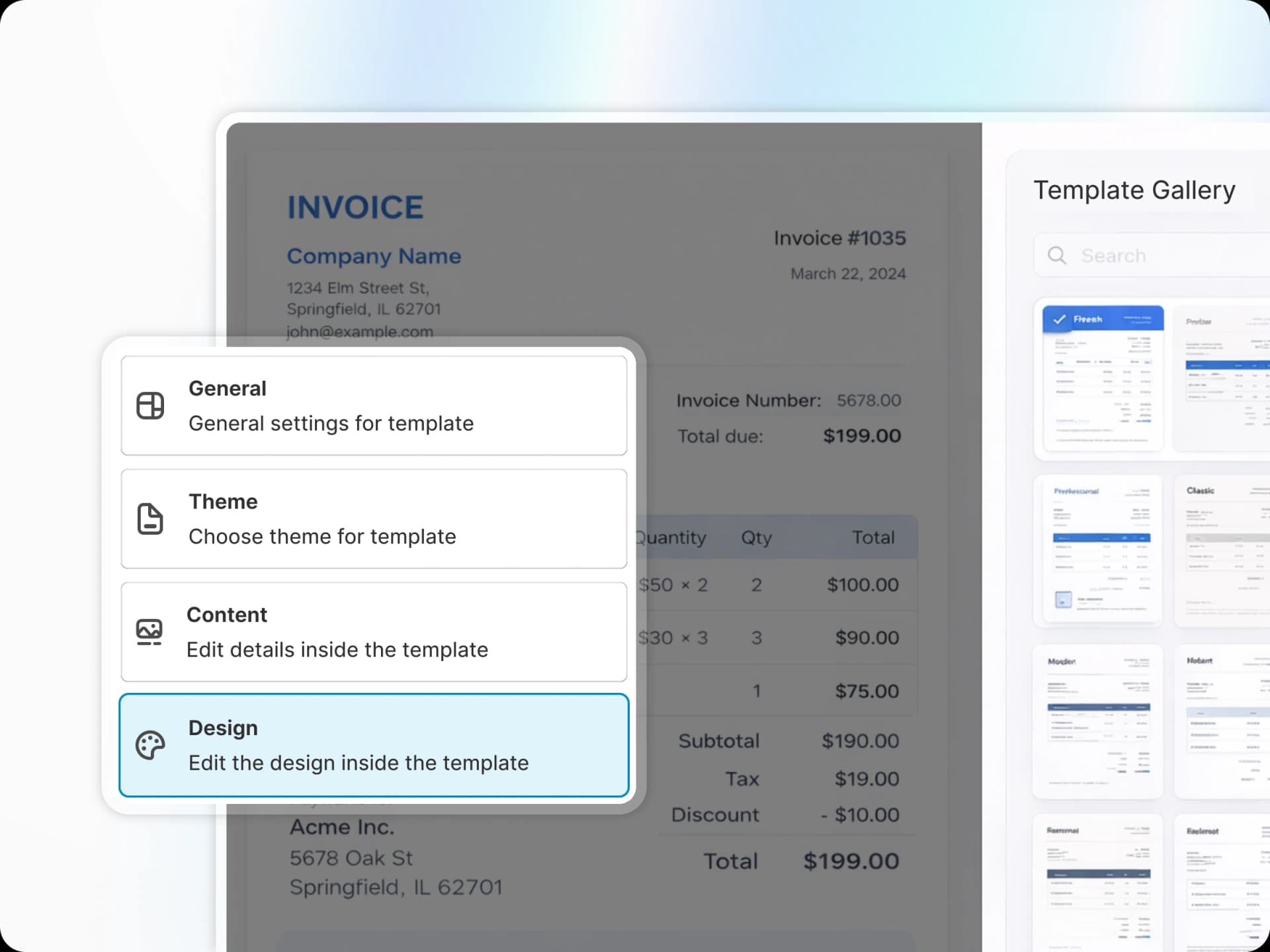
PDF Invoice makes all of this possible without any coding. Simply configure your automation rules in the dashboard and let the system handle the rest.