The business
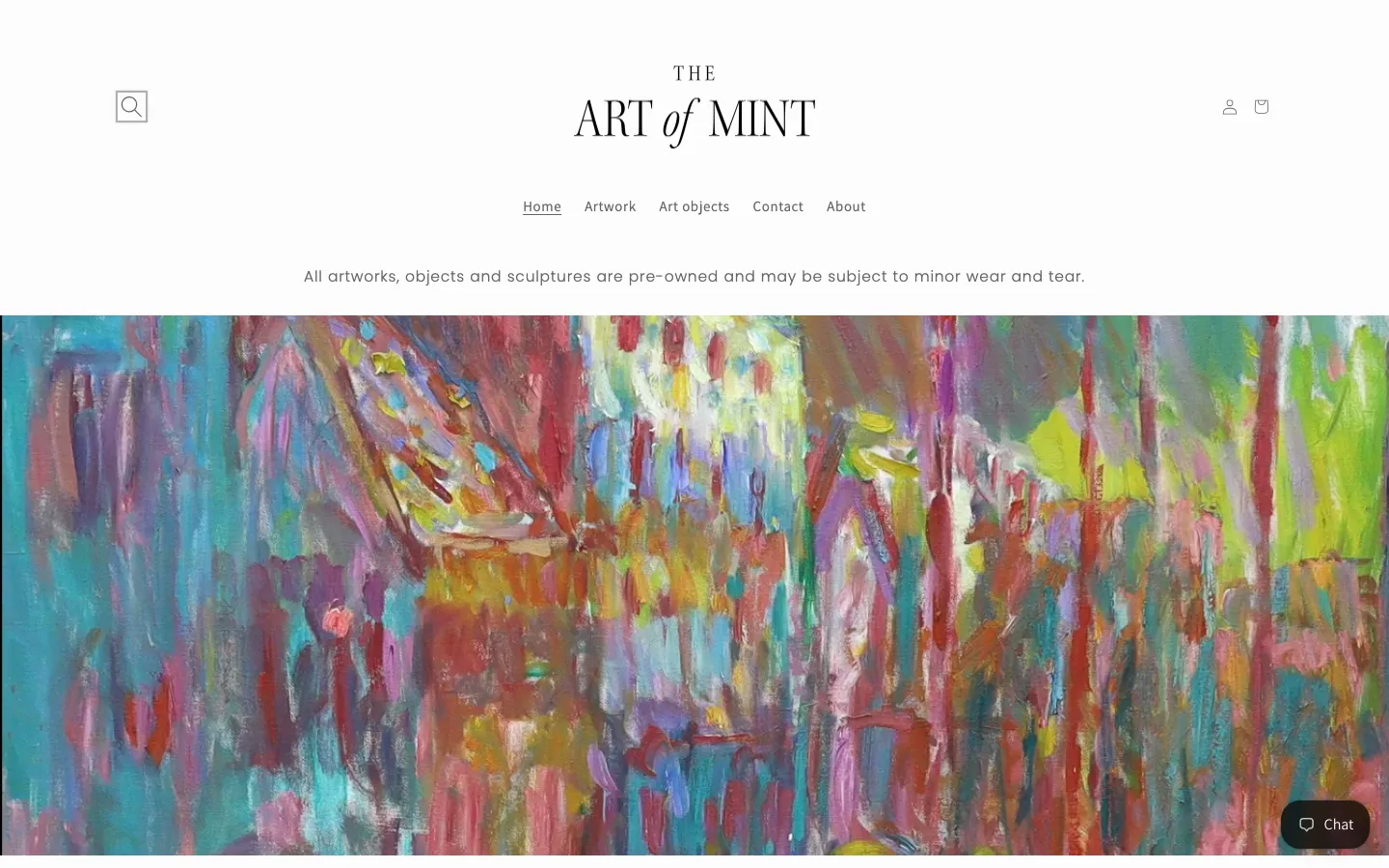
The Art of Mint sells pre-owned artworks, art objects and sculptures from a Shopify store in the UK. The menu is short. Home, Artwork, Art objects, Contact, About. A line under it warns that every artwork, object and sculpture is pre-owned and may show minor wear and tear. Pre-owned pieces tend to be one of a kind, so each listing counts.
The homepage banner is a close crop of an abstract oil painting, all red, teal and yellow, and it fills the screen. Nothing else competes.
What invoicing looks like for a one-off art seller
UK VAT has its own rules for second-hand art. A dealer can use the margin scheme, where VAT is worked out on the profit and not itemised on the invoice. A seller outside the scheme charges the standard 20% and shows the amount. Which route applies depends on how the piece was bought, and the invoice has to match. Copies stay on file for six years either way.
The sample invoice beside this story takes the second route and uses invented names, addresses and numbers. It lists a canvas, a hand-glazed vase and a bronze-finish figure, with 20% VAT added and a delivery charge on its own line.
A one-off piece raises the stakes on detail. Buyers want a clear description. They want a reference to quote to the seller, and a delivery line that explains how the total was reached when a carrier is involved.
How The Art of Mint uses PDF Invoice
The shop installed PDF Invoice in 2022 and runs it on the free plan. It uses the Three invoice template in English, with a matching refund template and a packing slip. VAT and tax fields are switched on, so the seller's VAT number and the tax line show on the page. Invoices are emailed automatically, and barcodes are enabled.
Documents are in pounds sterling, and the template follows the store's currency. Returns get the matching refund template in the same Three layout, so the paperwork for a piece that goes back to the seller looks like the invoice that sent it out.
The Three invoice layout is airy. A large heading sits top right, the seller's address, phone, VAT number and company number on the left and the customer's billing block on the right. Three boxes show the invoice date, amount and number. The items table runs below, and a stacked totals box ends with subtotal, VAT, shipping and handling and the grand total.
Results
The app has sent more than 60 documents. The shop runs a single clean template that emails itself to the customer and shows the VAT and delivery lines in a fixed place.
The shop also left a five-star review for the app on the Shopify App Store, shown below.
Try it for your store
PDF Invoice has a free plan. A small shop can try a template without paying, so install it from the Shopify App Store and send a first invoice to see how it looks.